
You’ll want to dress fully from head to toe, even if the camera only shows your upper half, because wearing complete professional attire keeps your mindset sharp and prevents embarrassing surprises. Research the company’s culture through their website and social media, then choose business casual staples like navy or gray button-down shirts that project confidence without washing out on camera. Test your outfit in the actual lighting you’ll use, recording a quick video to check for fabric glare or color issues, and confirm your shoes feel comfortable since you’ll sit more naturally when your whole body feels prepared. There’s more to consider beyond these basics, isn’t there?
TLDR
- Research company culture through website and social media to match their actual workplace attire standards.
- Build a business casual foundation with pressed slacks and button-down shirts in camera-friendly fabrics.
- Choose navy, blue, or gray to project credibility; avoid white and orange for poor on-screen appearance.
- Ensure complete, well-fitted outfit with comfortable shoes to maintain natural posture and confident composure.
- Test your full outfit on camera with actual lighting and verify all technology 24 hours before the interview.
Research Company Culture for Your Video Interview Outfit
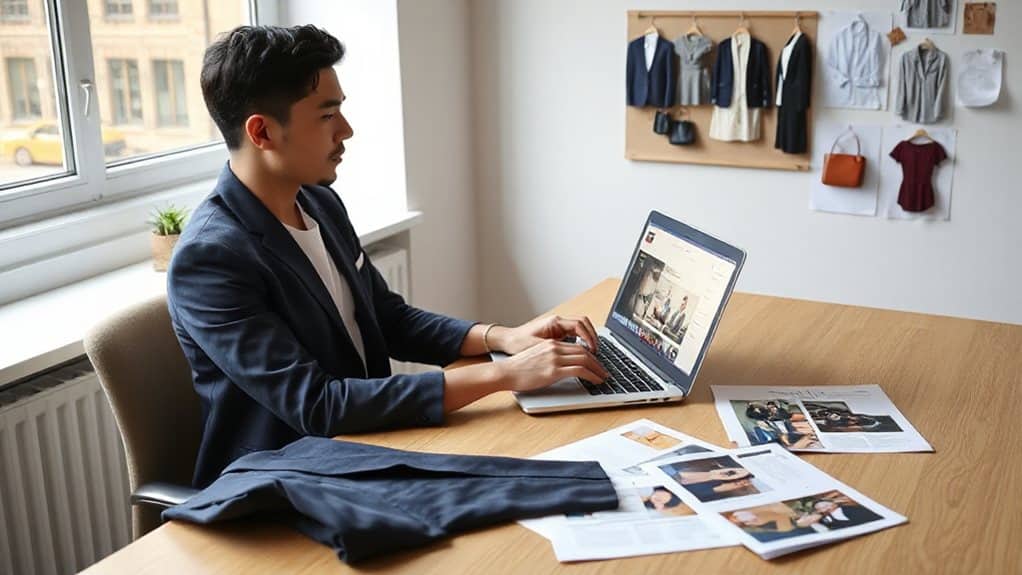
How do you decide what to wear when you can’t see the office in person? You start by exploring the company’s website for team photos that reveal what employees actually wear, and you check their social media for real workplace examples. You analyze industry standards too—finance demands suits, while creative fields embrace business casual—to ensure your outfit shows respect for their culture and the opportunity. Remember that your attire serves as a visual expression of organizational values and can signal whether you understand their desired culture, making it essential to align your choice with the climate implications their dress code creates. Consider also the practical needs of roles like team-based work when choosing attire that balances professionalism with approachability.
Build Your Base With Business Casual Staples
Your business casual foundation starts with pieces you’ll reach for again and again, so it pays to choose wisely. You’ll want dress pants or pressed slacks as your go-to bottoms, though khakis work for lighter settings. Pair these with long-sleeve button-down shirts or neutral blouses that won’t reflect light on camera. Don’t you want to look polished without trying too hard? That’s the beauty of these staples. Practice your responses using the STAR structure to concisely highlight experience and fit for the role.
Choose Colors That Look Professional on Screen
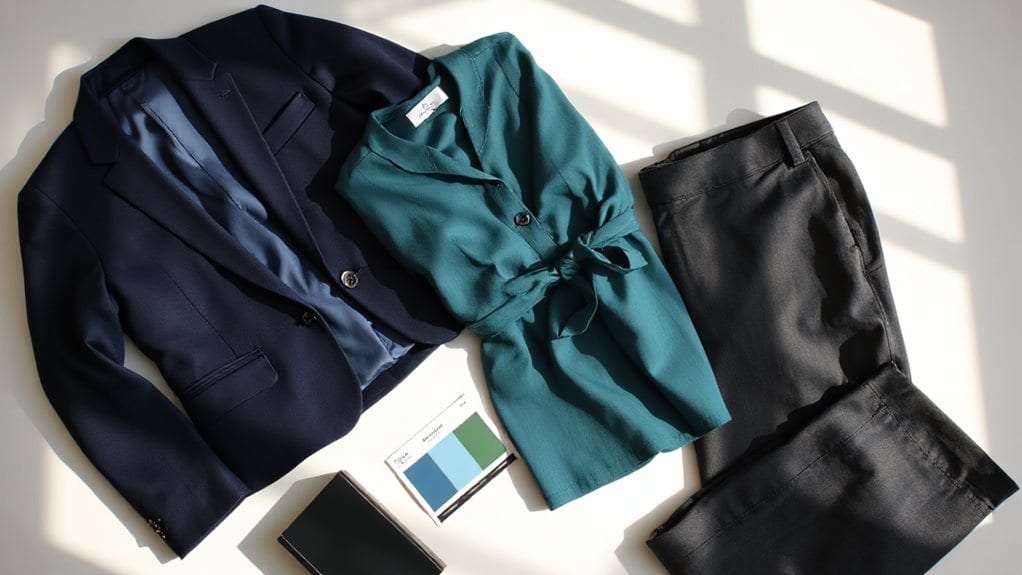
Why does color choice matter so much when you’re interviewing through a screen? Your clothing affects how others perceive your credibility and trustworthiness. Blue conveys confidence and reliability, while navy projects calm professionalism you want employers to notice. Gray shows you’re logical and independent. Avoid white, which washes out your face, and orange, the worst choice for interviews. Test your outfit beforehand. Match your attire to the company’s tone and dress level to avoid looking out of place and reinforce your fit with their organisational culture.
Perfect the Fit of Your Video Interview Outfit
When you’re prepping for a video interview, it’s tempting to throw on a nice shirt and call it a day—but what about the parts the camera can’t see? Dress fully from head to toe, including pants or skirt, because complete attire boosts your confidence and posture.
Wear well-fitted, comfortable clothes that let you sit naturally without fidgeting, and don’t forget comfy shoes for overall composure.
Adjust Your Formality Level for Your Industry

How do you know if you’re overdressed, underdressed, or hitting the mark for your video interview? Research your specific industry, since financial roles demand dark suits while teaching positions welcome sweaters over button-downs. Check company websites and social media for visual cues, or simply ask your recruiter for guidance. When in doubt, dress one level above daily employee attire to show respect without seeming out of touch. Consider that hybrid work is now common and employers increasingly value adaptability in candidates, so demonstrate your ability to thrive in both remote and onsite settings by choosing attire that suits hybrid work expectations.
Wear a Complete Outfit: Not Just the Top Half
Where should you start when preparing for your video interview? Dress completely, not just from the waist up, because unexpected camera movements or standing could reveal casual shorts or bare legs beneath your professional blouse. Full attire enhances your confidence and focus, helping you serve others with poise. Test your complete outfit beforehand, ensuring every piece projects the professionalism you want to convey. Align your presentation with professional standards to reflect your suitability for education-sector roles.
Choose Ties and Accessories That Complete Your Look
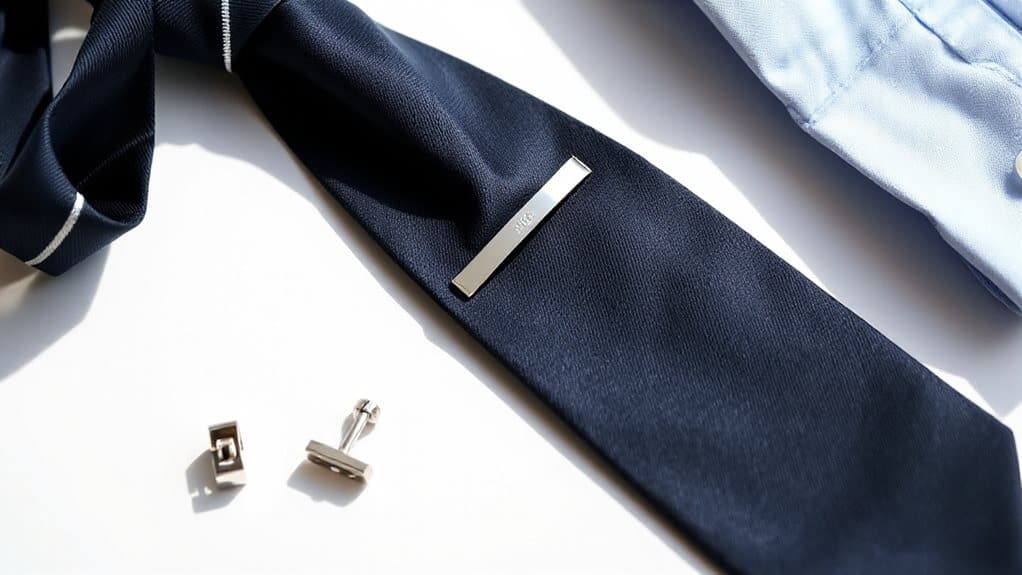
Now that you’ve got your full outfit sorted from head to toe, it’s time to think about the details that pull everything together. You’ll want to choose a solid-colored tie in white or light blue that complements your shirt without creating glare on camera.
For jewelry, pick one or two subtle, non-reflective pieces—perhaps simple stud earrings or a thin necklace—that express your personality without distracting your interviewer. If you wear glasses, ensure they’ve anti-reflective coating, and position your lighting to keep your eyes clearly visible.
Stick with neutral-colored belts and watches, avoiding anything shiny or noisy that could interrupt your conversation. Remember, you’re serving your interviewer by keeping their focus on your qualifications, not your accessories.
Test Your Video Interview Outfit in Real Lighting
Why leave your professional first impression to chance when you’ve already put so much effort into selecting the perfect outfit? Test your attire in the actual lighting environment where your interview will occur, recording a brief video to assess how colors and fabrics appear on camera. You’ll spot potential glare, color distortion, or background blending before they undermine your professional presentation.
Adjust your choices—perhaps swapping lighter greys for darker tones based on your webcam quality—and verify that your clothing contrasts properly with your backdrop. This preparation ensures your selected outfit translates beautifully in a virtual setting, helping you serve others with confidence and polish.
Confirm Every Detail Before You Join the Call
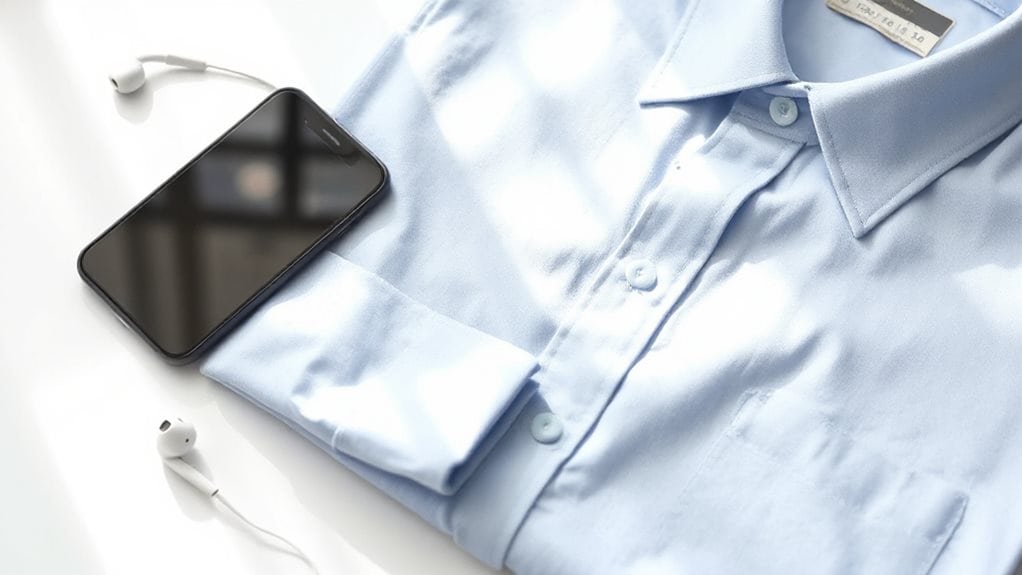
How can you expect to showcase your best self if technical glitches steal the spotlight from your qualifications? Download your video software 24 hours early, update it fully, and test every feature you’ll need. Check your camera angle, microphone clarity, and internet speed. Charge your devices, log in 5-10 minutes ahead, and keep your resume and questions within easy reach but off-camera.
And Finally
You’ve got everything you need to nail your video interview look, so trust your preparation and let your confidence shine through. When you test your outfit, adjust your lighting, and check those details one last time, you’re showing employers you take every opportunity seriously. Will you let nerves overshadow your hard work, or will you step into that call knowing you look polished and professional? Your future’s waiting—go make that impression count.

Emma Anderson is a professional executive resume and creative writer. She founded JobFrog Resumes in 2015 after leaving full-time work to raise her first child, combining her two passions: working from home with her family, and helping people put their best selves forward on paper. Emma has personally written every JobFrog resume since — no outsourcing, no templates — and stands behind the Jobfrog Rewrite Guarantee.