
You’ll ace your Google Meet interview by testing your camera, microphone, and internet connection at least 15 minutes early, positioning your lens at eye level with a ring light or lamp placed 30-45 degrees in front of you for crisp, shadow-free video. Dress professionally from head to toe in solid colors, keep your background clean and distraction-free, and practice screen sharing so you won’t fumble when it’s time to present. Master the STAR method for tough questions, use the chat feature as a backup for sharing links, and send a personalized follow-up within 24 hours referencing specific conversation details. Want to transform your video presence from forgettable to genuinely impressive?
TLDR
- Test camera, microphone, and lighting 15 minutes before your Google Meet interview begins.
- Position camera at eye level using books or stands to avoid unflattering angles.
- Enable background blur or choose plain virtual backgrounds to minimize distractions.
- Practice screen sharing beforehand to present documents smoothly without fumbling.
- Use Google Meet chat as backup to share links if audio issues occur unexpectedly.
Prepare Your Tech: Test Audio, Video, and Google Meet Settings
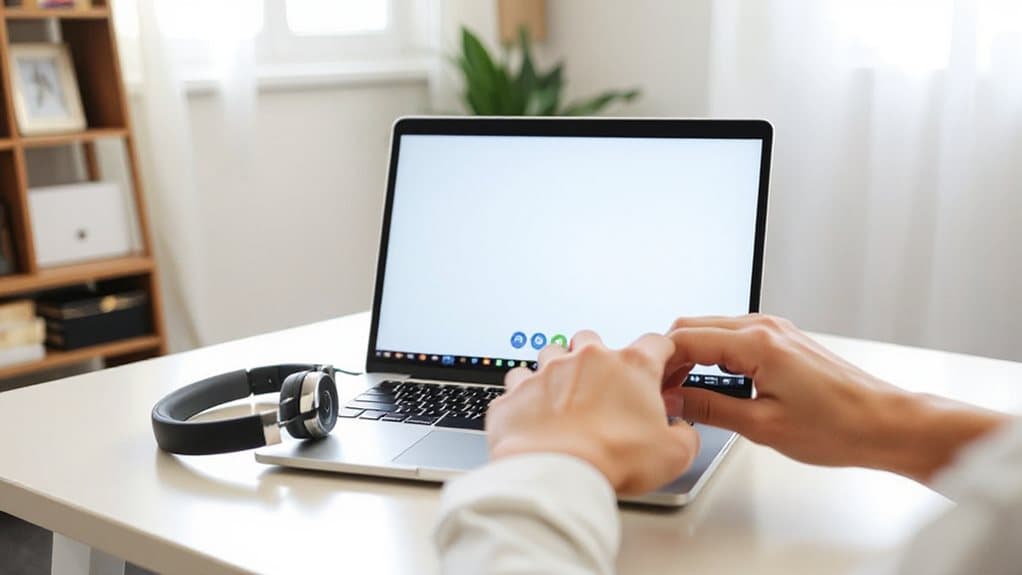
Why risk your interview success on technical glitches you could’ve prevented hours ago? Open Google Meet now to test your camera, microphone, and internet connection before your interview begins. Check that your voice comes through clearly, your video looks crisp, and your background appears professional. Adjust your settings, explore background blur options, and keep a backup phone ready so you can serve others without distraction. Run a short test call with a friend or family member to catch any audio dropouts or grainy video quality that might otherwise derail your first impression. Include a quick scan of your resume layout to ensure your top third contains name, title, and summary clearly visible during screen-sharing.
Position Your Camera, Mic, and Lighting for a Professional Look
Before your interview begins, you’ll want to position your camera at eye level or slightly above—stack some books under your laptop if needed—since a low angle can create unflattering shadows and emphasize your chin.
Have you tested your microphone to ensure your voice comes through crisp and clear, without the hollow echo of a built-in laptop mic?
Finally, place a lamp or ring light in front of you rather than behind, because backlighting from a window will leave your face in shadow and make it harder for interviewers to read your expressions.
Confirm your outfit by determining the organisational culture to guide dress choices and avoid being overdressed or underdressed for the environment, as company dress code can vary widely.
Camera Height Alignment
How often have you joined a video call only to realize you’re staring up at someone’s nostrils or down at the top of their head?
Position your webcam at eye level, raising your laptop with books or a stand so the lens aligns with your eyes or sits slightly above. This prevents unflattering angles, avoids extra chins from upward-facing cameras, and keeps your features natural without elongating your nose or highlighting a receding hairline.
Aim for 48-52 inches from the floor for standard setups, and you’ll present yourself professionally while helping others focus on your words, not your positioning.
Microphone Quality Setup
Where’s your voice coming from when you’re speaking in Google Meet, and can everyone hear you clearly, or are you fading into digital silence? Select your microphone in Meet’s settings before joining, and set it as your system default through mmsys.cpl on Windows. Test your mic by watching for the moving bar when you speak. Grant browser permissions via the padlock icon, choosing “Allow” for microphone access. Use wired USB headphones to prevent echo, and keep your volume at maximum in system properties so your interviewers catch every thoughtful word you share.
Lighting Balance Techniques
Why does your face look washed out or shadowy on camera when you’re trying to make a strong impression? Position your camera at eye level, aligned with your primary light source behind the screen.
Place a key light at a 30-45 degree angle, slightly above eye level, using 600-800 lumens.
Add a dimmer fill light on the opposite side, and consider a ring light for soft, even diffusion that helps others see you clearly.
Dress Professionally and Optimize Your Virtual Background
You’ll want to dress professionally from head to toe, even if you’re only visible on camera from the waist up, because wearing complete business attire—including slacks or a skirt and closed-toe shoes—helps you feel confident and prepared for any unexpected moments when you might need to stand or adjust your position.
Before your Google Meet interview begins, take a few minutes to test your virtual background, ensuring it’s a plain, neutral color without distracting patterns or clutter that could shift the interviewer’s attention away from your face and responses.
Have you checked that your lighting setup complements both your outfit and your background, creating a cohesive, polished appearance that keeps the focus squarely on your qualifications and professional demeanor?
Limit hobbies and interests to 2–3 concise entries that demonstrate relevant transferable skills and avoid generic or contentious items.
Choose Professional Attire
Your appearance on camera shapes how interviewers perceive your professionalism before you even speak, so choosing the right attire deserves careful attention. You’ll want to wear solid, bold colors like navy or white rather than busy patterns that distract, and pair a crisp button-down or structured blazer with dark slacks or a pantsuit. Don’t forget comfortable, closed-toe shoes and minimal, quiet jewelry that won’t clatter or shine harshly on screen.
Test Virtual Background
Once you’ve settled on your outfit, it’s time to think about what surrounds you on screen, since a messy or distracting backdrop can undermine even the sharpest professional look. You’ll want to test your virtual background before the interview, so start an instant meeting and check how you appear. Does the background frame you well? Is it too busy or distracting? Try several options, compare them, and confirm your choice persists across sessions.
Match Lighting Setup
How can you make sure your carefully chosen outfit and polished virtual background actually show up looking their best on camera? Position your key light at a 45-degree angle from your face, raised 45 degrees upward to prevent glare, and use adjustable 3200K-5600K lights with high CRI ratings for accurate skin tones.
Add a softer fill light at 30-40% intensity on the opposite side to reduce shadows, and consider a backlight to separate yourself from the background, creating depth that helps others focus on your presence.
Prevent and Fix Technical Problems Without Losing Composure
Few things derail an interview faster than a frozen screen or muffled audio cutting through your carefully prepared answers, which is why taking charge of your technology before the meeting begins puts you in the strongest possible position. You’ll test your equipment beforehand, verify your internet connection remains stable, and update your software to prevent disruptions. When issues arise despite your preparation, you’ll stay calm, apply quick fixes like switching networks or restarting your browser, and communicate transparently with your interviewer, showing them you handle pressure with grace while keeping the focus on serving their needs through your qualifications. Shorter, well-prepared sessions also mirror recruiting trends where concise communication and efficient troubleshooting increase your chance of a positive outcome.
Maintain Eye Contact and Confident Body Language on Camera

Why does eye contact matter so much when you’re not even in the same room? Look directly into your camera lens, not the screen, to create genuine connection.
Sit upright, lean forward slightly, and smile warmly to show you’re engaged.
Keep your hands relaxed, avoid fidgeting, and nod occasionally.
Your confident, open body language helps interviewers trust you and remember you as a strong, capable candidate.
Combine this with deep breathing and a quick visualization beforehand to convert nerves into calm, focused energy.
Answer Tough Questions With the STAR Method, Adapted for Video
You’ve perfected the art of looking confident on camera, but what happens when the interviewer throws you a curveball question that makes your mind go blank?
Use the STAR method to stay grounded. Describe the situation briefly, state your task, then spend most of your time explaining the actions you personally took.
Share measurable results, and you’re set.
Use Google Meet’s Chat and Screen Share Features Smoothly
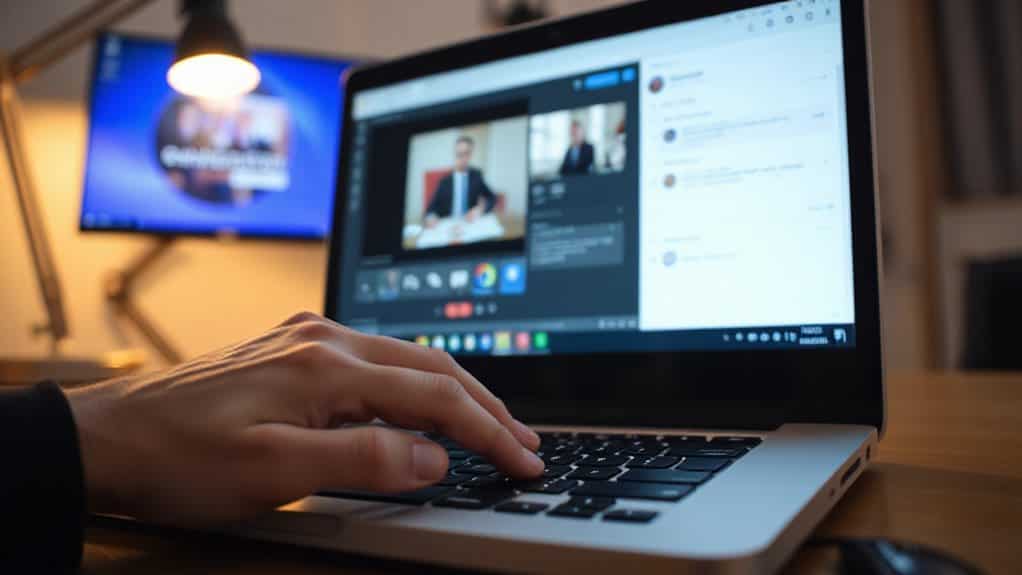
How can you turn Google Meet’s built-in tools into your secret advantage during a high-stakes interview? Practice the chat feature beforehand so you can share links or documents seamlessly if your audio drops, and keep chat visible for quick, non-disruptive reference sharing. When it’s time to present, use “Present now” to share your screen confidently, having already arranged your windows to avoid awkward fumbling. Will you test these features in a practice meeting today?
Ask Culture-Focused Questions That Build Connection Over Video
Where exactly do you draw the line between a candidate who fits in and one who truly thrives? You’ll build genuine connections by asking culture-focused questions that reveal shared values and emotional alignment. Probe their ideal work environment, how they’ve resolved team conflicts, and which core values resonate most deeply. Listen for authentic passion, not rehearsed answers, because you’re seeking someone who’ll serve others wholeheartedly.
Send a Follow-Up Email That References Your Conversation

Craft your follow-up email within 24 hours while the conversation still resonates fresh in everyone’s mind, and you’ll transform a routine courtesy into a strategic advantage that reinforces your candidacy. Reference specific details you discussed, like that Southeast Asia expansion campaign or your shared interest in mentorship, so your message feels personal rather than generic. Ask when they’ll share next steps, include your phone number and LinkedIn, and keep your note under 200 words—doesn’t this approach show you’re attentive without overwhelming their inbox?
And Finally
You’ve got everything you need to nail your Google Meet interview, haven’t you? When you test your tech, polish your presence, and practice your responses, you’re showing employers you can handle remote work with confidence. Don’t forget to breathe, connect through the screen, and send that thoughtful follow-up. Your preparation will set you apart, so go ahead and make that great impression—you’re ready for this opportunity, aren’t you?

Emma Anderson is a professional executive resume and creative writer. She founded JobFrog Resumes in 2015 after leaving full-time work to raise her first child, combining her two passions: working from home with her family, and helping people put their best selves forward on paper. Emma has personally written every JobFrog resume since — no outsourcing, no templates — and stands behind the Jobfrog Rewrite Guarantee.